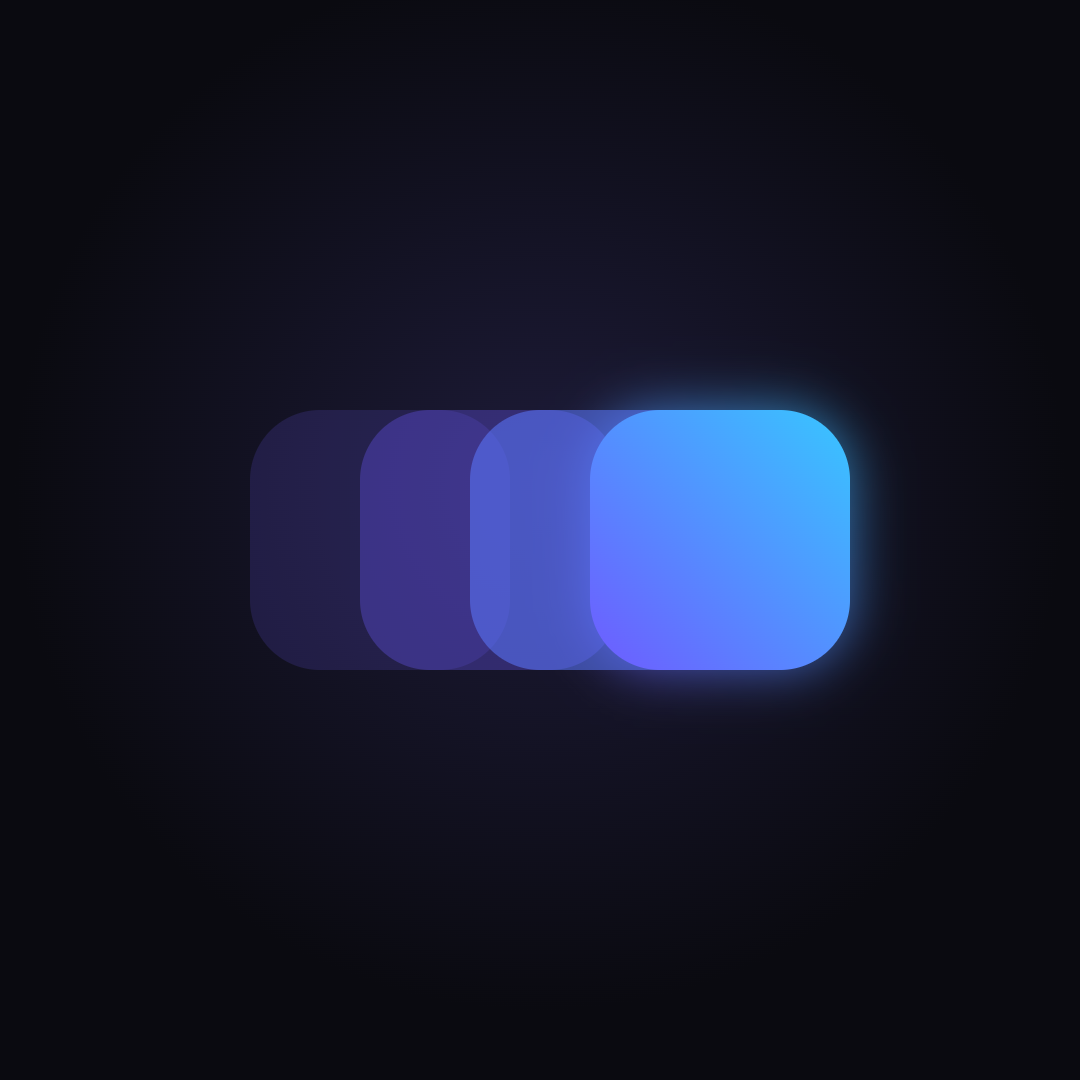
6 screen transition animations. Copy any short prompt for free, and open full prompt 1 to see how detailed they are. Full prompts 2–6 are in the pack.
1 Push Slide
The detail slides in from the right; the list shifts left and dims.
Full prompt (free sample)
Basics: stage 470×222px, background #13131C, all coordinates in px from the stage's top-left, everything clipped to the stage (its two top corners are rounded with radius 40px; the bottom corners are square). App window (a wide made-up app that nearly fills the stage): rr(20, 8, 430, 206, 18) filled #171626 with a shadow rgba(0,0,0,0.55), blur 16, offset y 4. Everything of the app is drawn clipped to that rounded rect, in window-local coordinates (local (0, 0) = stage (20, 8); local size 430×206). After the app, stroke the same rounded rect with a 1.5px rgba(255,255,255,0.16) border (a thin bezel). Fingers are drawn last, in stage coordinates, not clipped to the window.
The detail page slides in from the right over the list; the list shifts 30% to the left and dims (and the reverse when going back).
- s = pos(u).
- If s < 1: screen A translated by (−129·s, 0) (= −0.3·430·s), then dim(0.4·s) over the whole window.
- If s > 0: translated by (430·(1 − s), 0): fillRect(0, 0, 430, 206) #171626 with a shadow rgba(0,0,0,0.6) blur 16 (no offset; it falls on the list at the page's left edge), then screen B.
- Fingers: both taps (Basics). Draw order: A, dim, B, fingers.
2 Fade Through
Old screen fades and shrinks away; the new one fades in and grows.
Full prompt · 1,259 characters
The old screen fades out while shrinking a little, then the new screen fades in while growing to full size. - o = easeIO(seg(k, 0, 0.35)) (the …
One-time payment. Price goes up as new patterns are added. Buy once, get every update. Team license (up to 5 people, client work): $49. Lower price in many countries, applied automatically at checkout.
All 438 full prompts (73 sets), each one self-contained: copy one, paste it into Cursor, Claude Code, v0, Lovable or Bolt
Runnable demo files for every set (plain HTML + JavaScript, no build step), tap-to-play or loop
Exact timings, easing, colors and sizes — no guessing